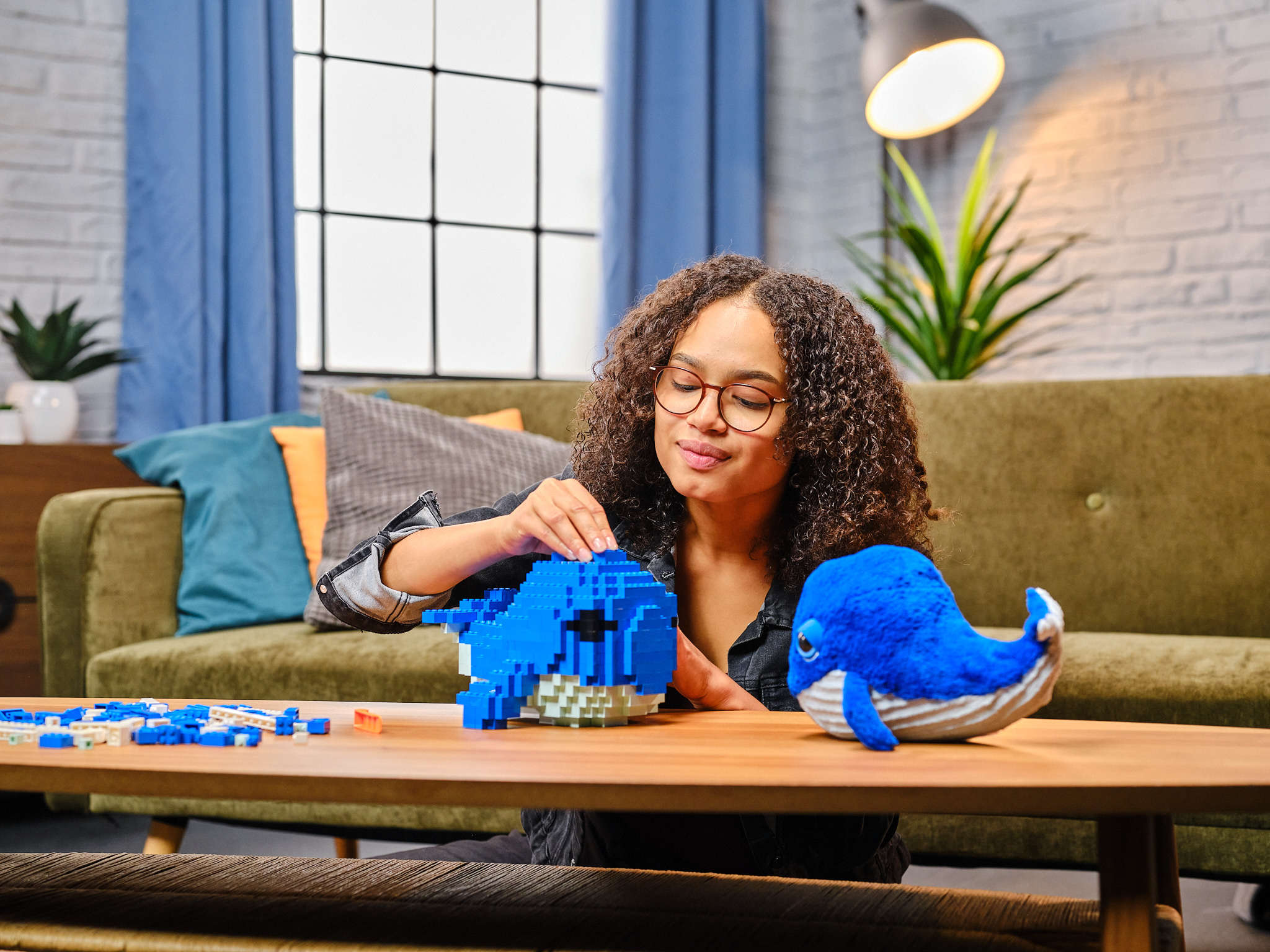
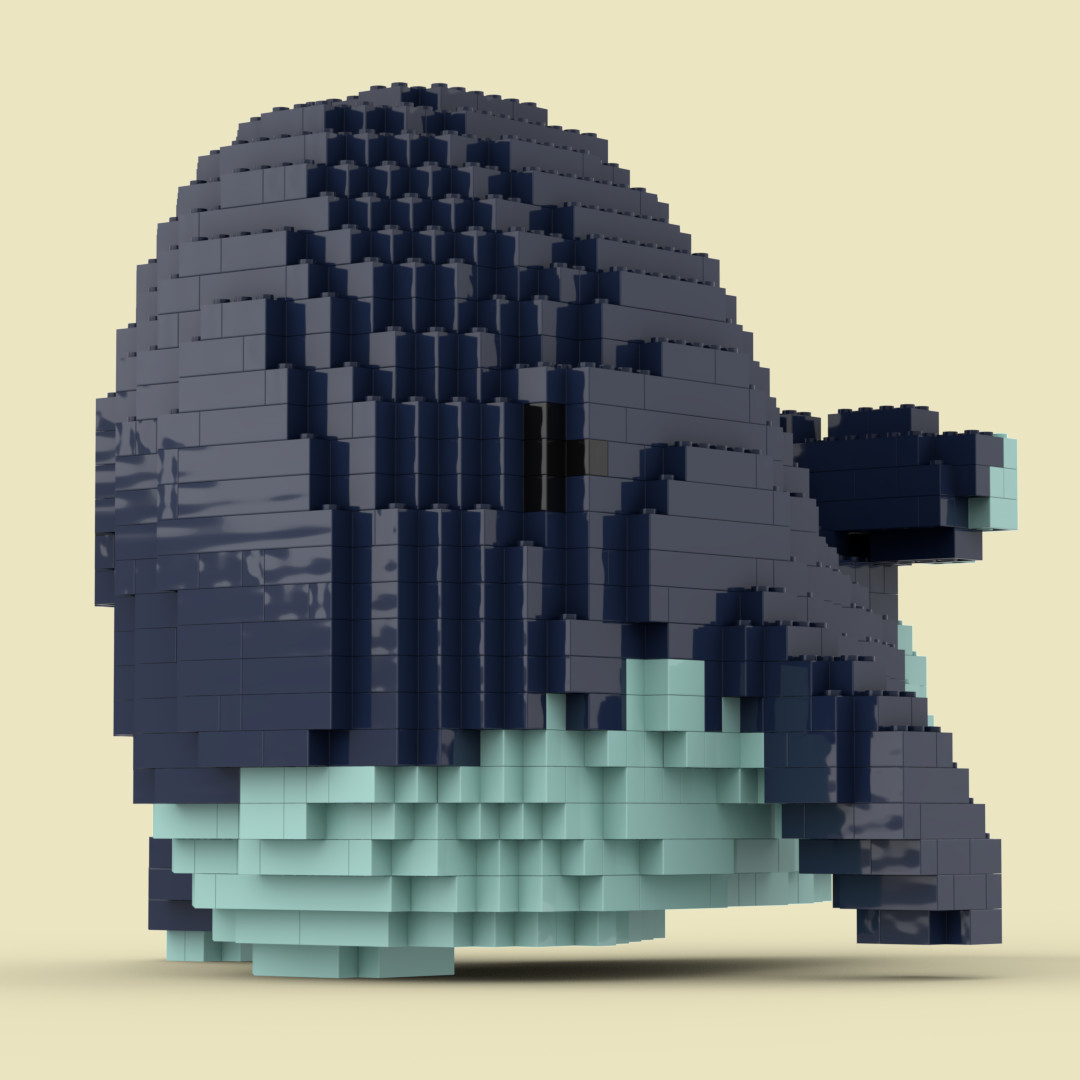
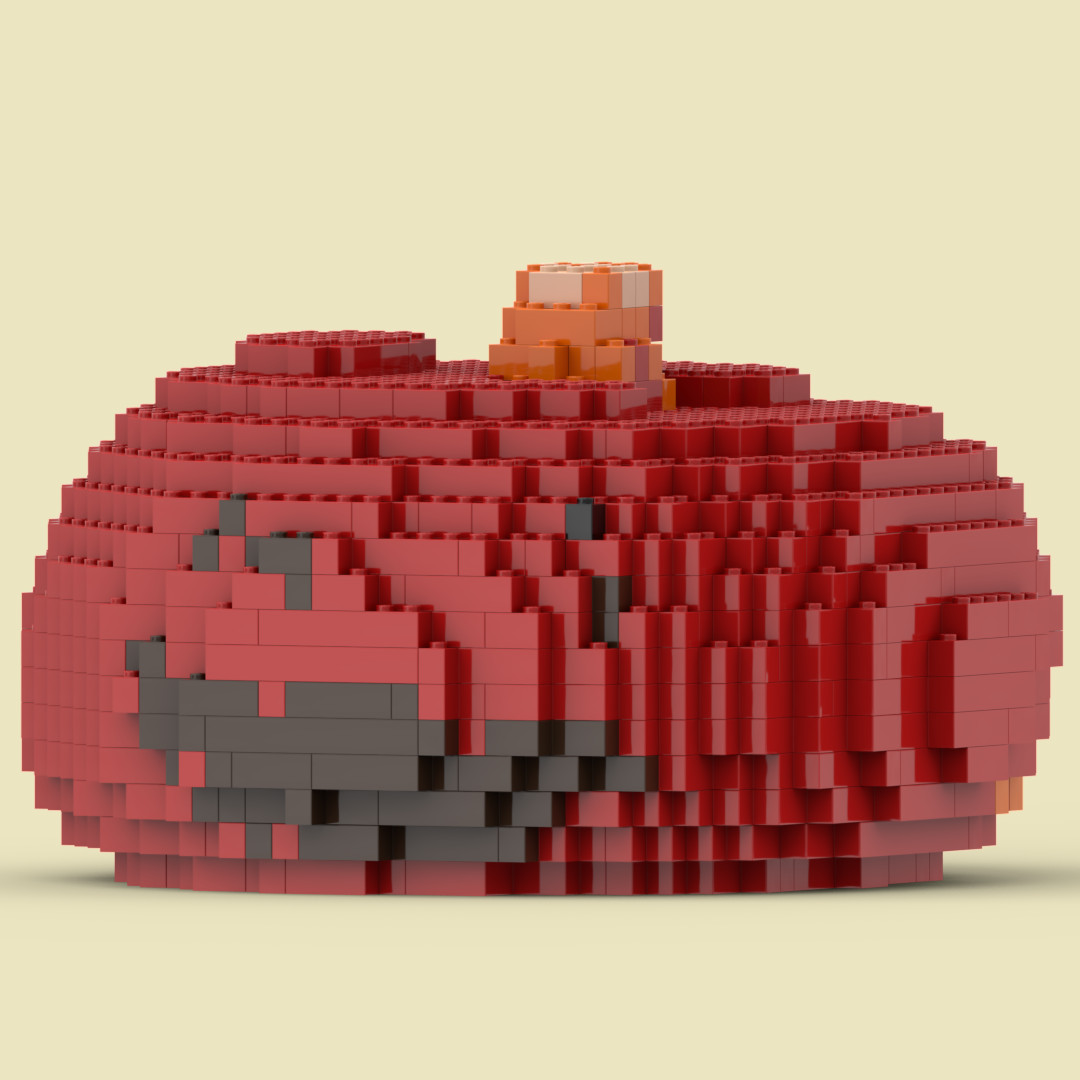
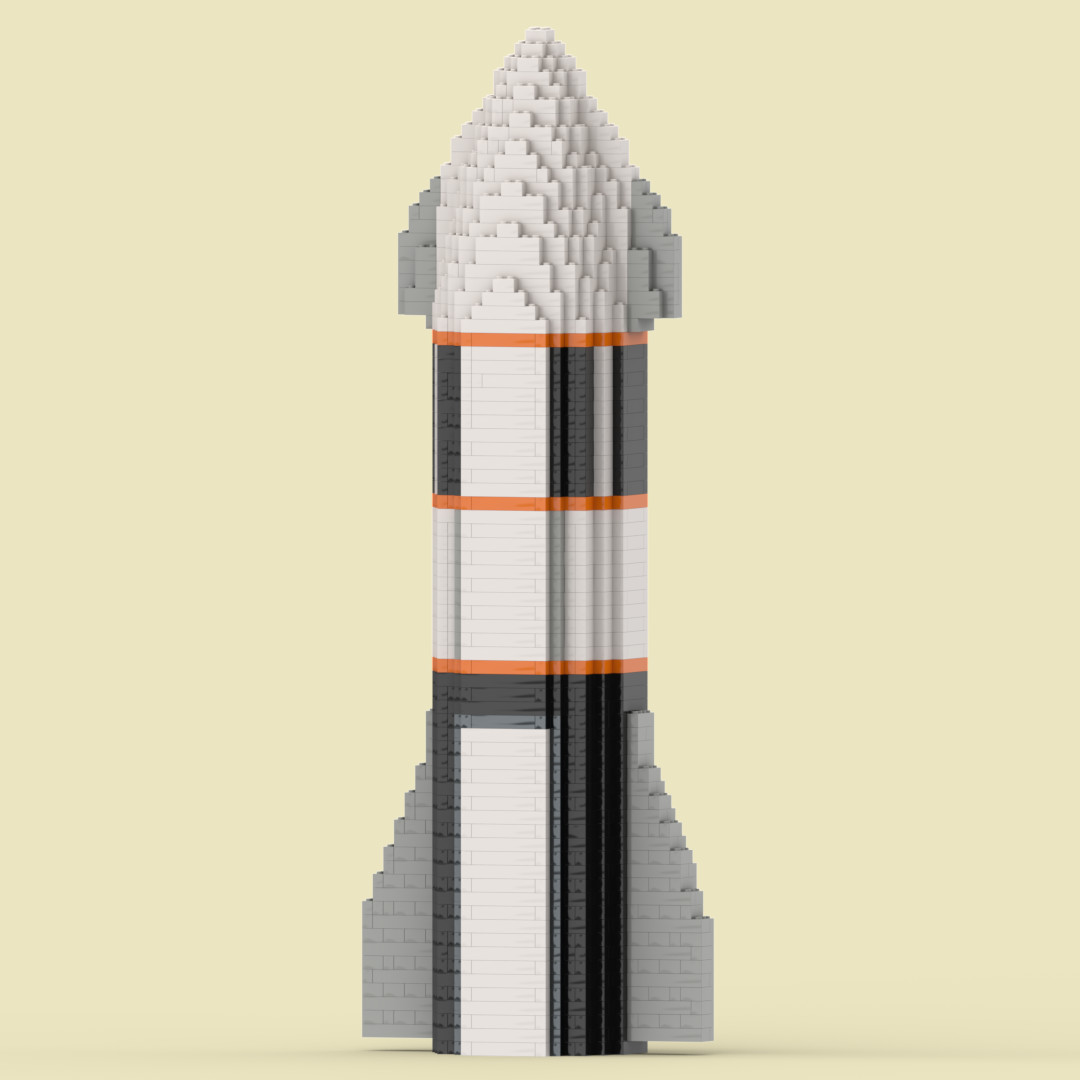
Brick My World application introduces a groundbreaking technology to the community: transforming real-world objects into buildable brick-based models using classic rectangular bricks.
Community Powered Project Backed by Builders Worldwide on Kickstarter
$157 863 raised
1 605 backers
Transforming
YourWorldintoBricks
in 3Easy Steps
Step 1
Snap It
Capture Your Inspiration
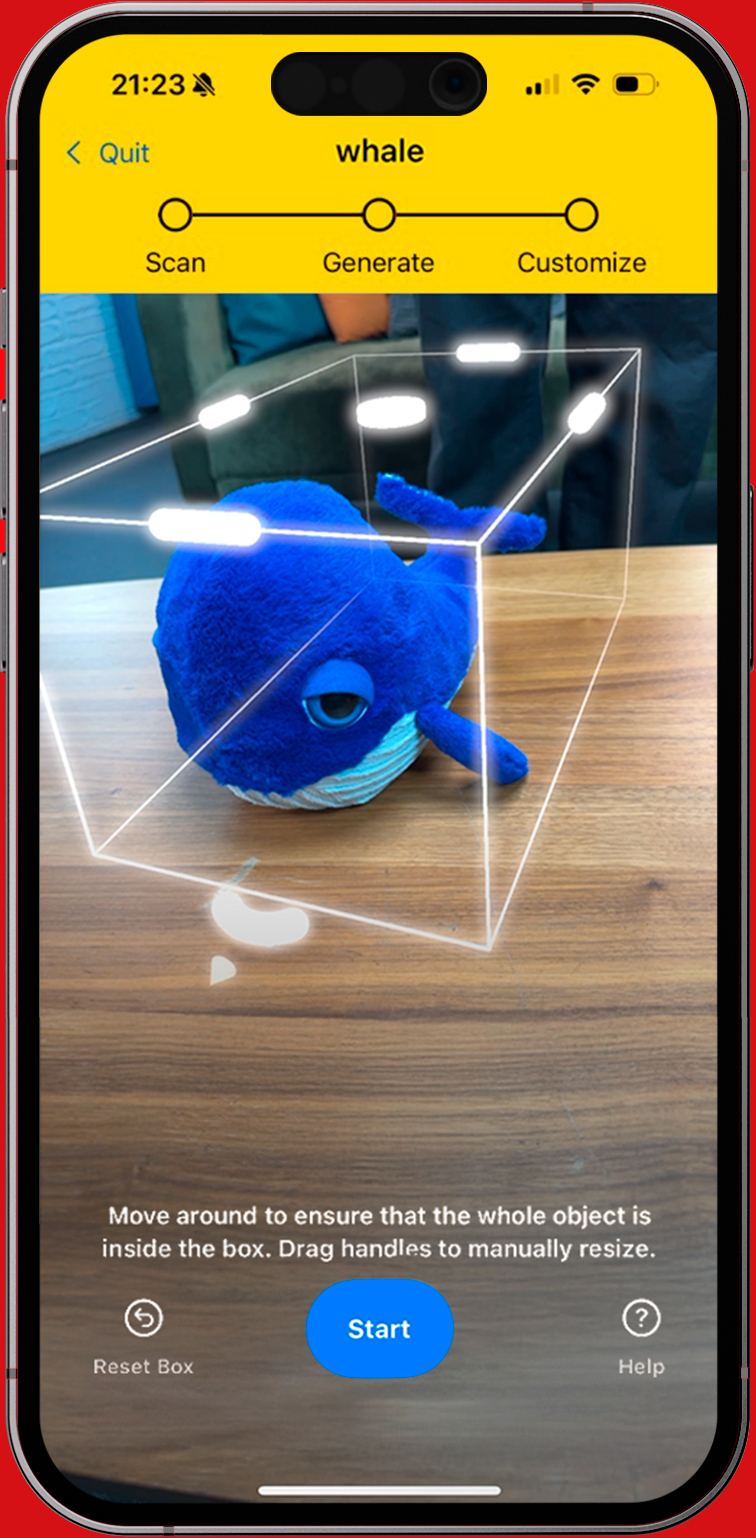
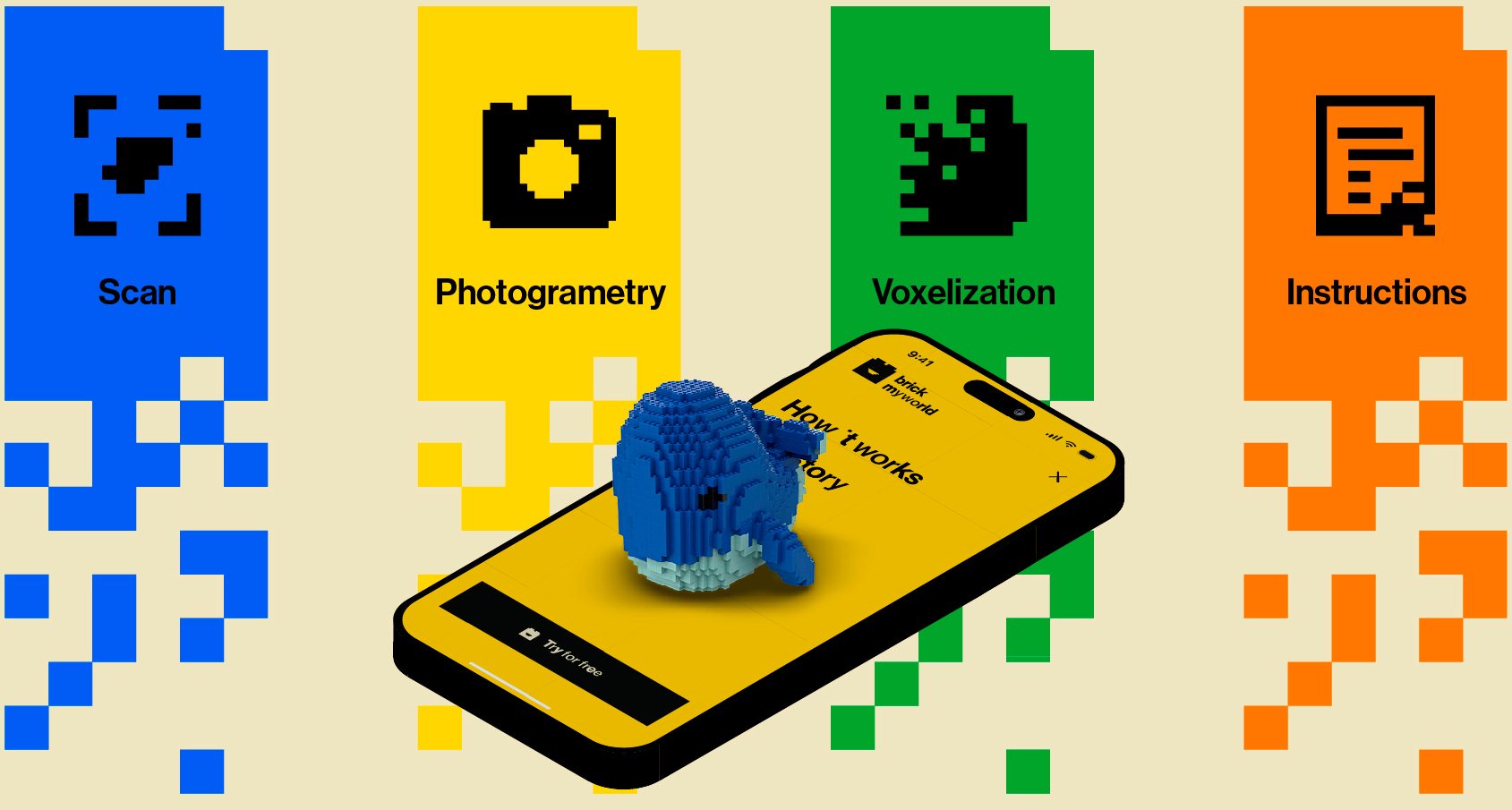
Open the Brick My World app on your iOS device (Android coming soon) and scan your chosen object — or import your own 3D model in .obj, .usdz, or .gltf format. Turn your ideas into brick builds, your way.
Step 2
Brick It
Witness the Magic
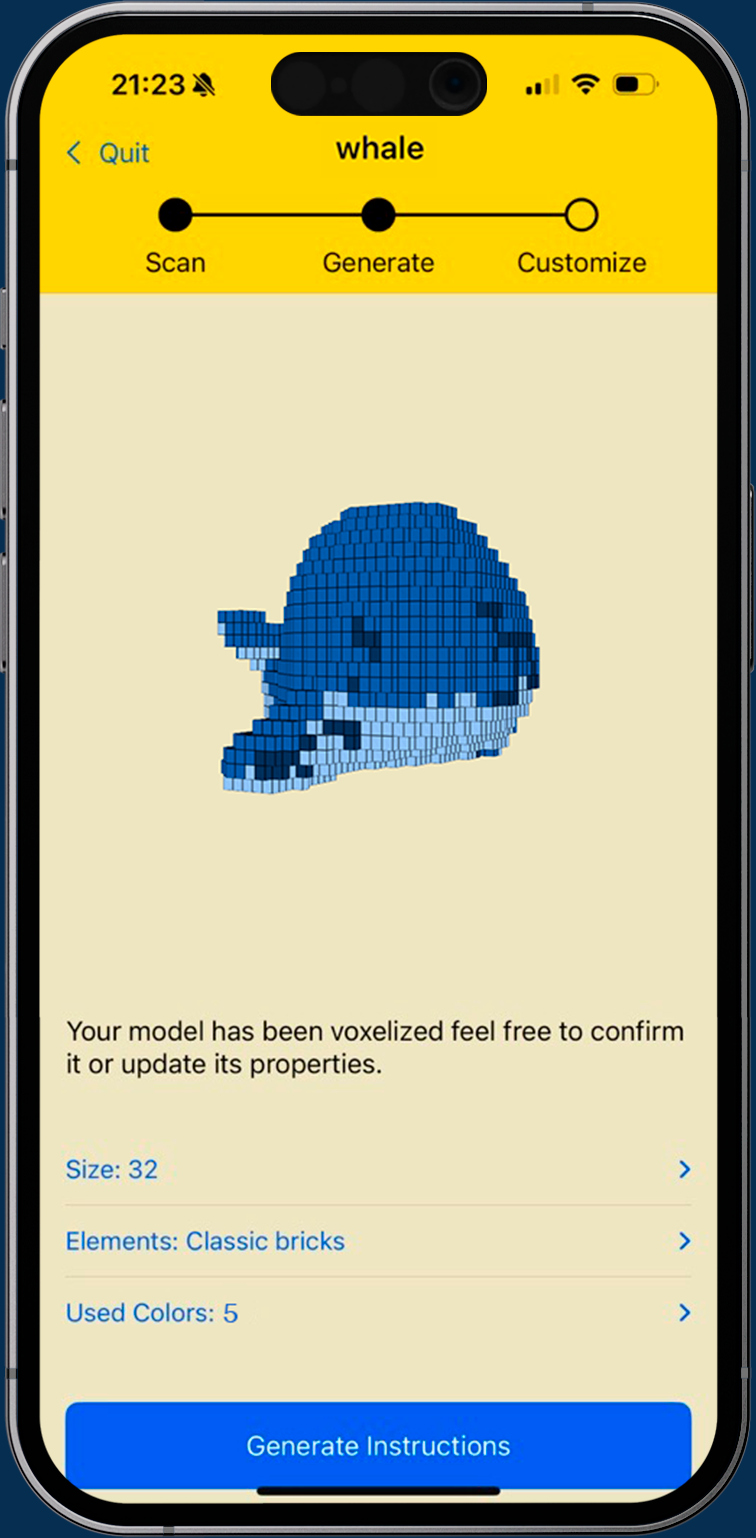
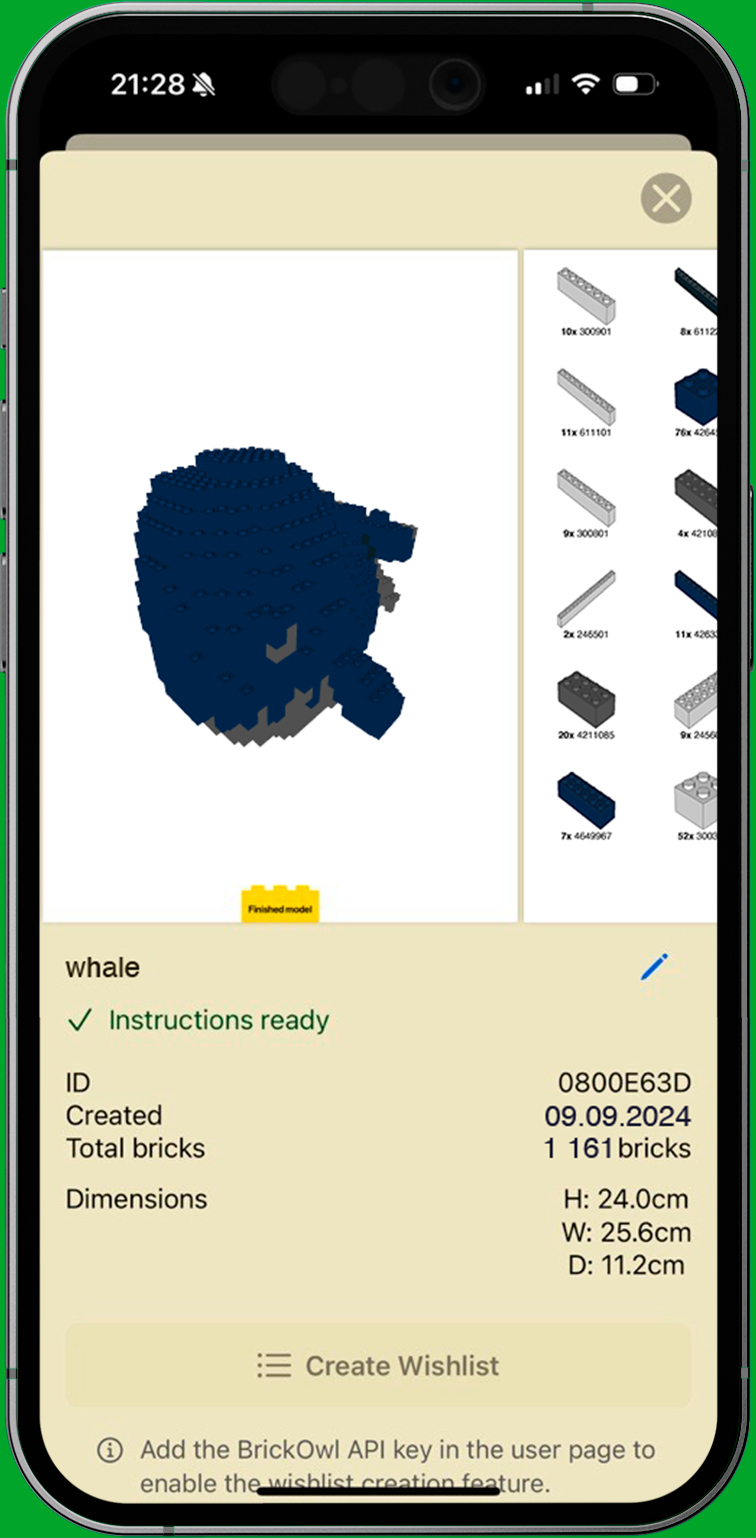
Our system processes the scan and generates a brick-based model, which you can review and adjust if needed
Step 3
Build It
Get, Set, Build
Receive detailed building instructions in PDF and LDraw (.ldr) formats — and if you use Brick Owl, you can instantly create a wishlist of the bricks you need.
Discover arevolutionaryway
tobuildbrick-basedmodels
Brick My World uses advanced 3D scanning, photogrammetry, and AI to convert real-life objects into custom brick-based models—all from your smartphone.
Whether you're a casual builder or a dedicated enthusiast, our app makes creating easy.
It's that simple! Our complex backend technology does all the heavy lifting, making the process incredibly user-friendly.
KeyFeatures&Benefits
Conversion of real-world objects into a brick-based model
Comprehensive Build Guides: Receive step-by-step building instructions together with a detailed parts list for your models, specifying all the bricks you'll need. We've integrated with BrickOwl via API, allowing you to directly create a wishlist on their extensive online marketplace.
Customizable Scale & Detail: Choose your model’s scale and level of detail to suit your vision.
Color Customization: Access a full color palette for personalized designs.
3D Model Import: Upload and convert existing 3D models (in formats like .obj, .usdz, and .gltf) into brick-based models without needing to scan physical objects.
TechnologyBehindBrick My World
Scanning: Utilizes ARKit (iOS), ARCore (Android) for accurate object scanning
Photogrammetry: Captures 2D scans to generate detailed 3D point clouds, transforming your object into a digital model.
Voxelization: Converts 3D models into brick-compatible structures by mapping a cube grid onto the object.
AI Optimization: Employs advanced algorithms to refine geometry and texture, ensuring the structural integrity of your design.
Join a community of innovators and enthusiasts who are redefining creative building. Brick My World makes custom brick-based construction accessible to everyone—transform everyday objects into works of art, one brick at a time.
Download Brick My World now and start building your own adventure!
Roadmap&Plans
Lightweight Editor: Customize your scanned model by changing colors, adding or removing bricks, and exploring it before building.
Texture Processing: Improve model realism with more accurate color and texture detection based on scanned surfaces.
Car Builder: Create detailed cars using smart part layouts, predefined sections (like doors and windshields), and advanced bricks.
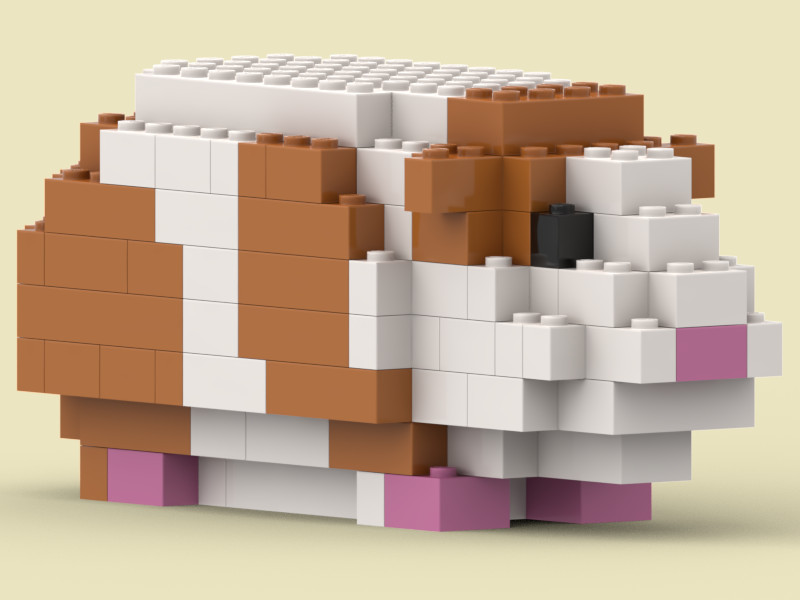
Animal Builder: Transform animals into stylized brick models, perfect for pets, wildlife, or fantasy creatures.
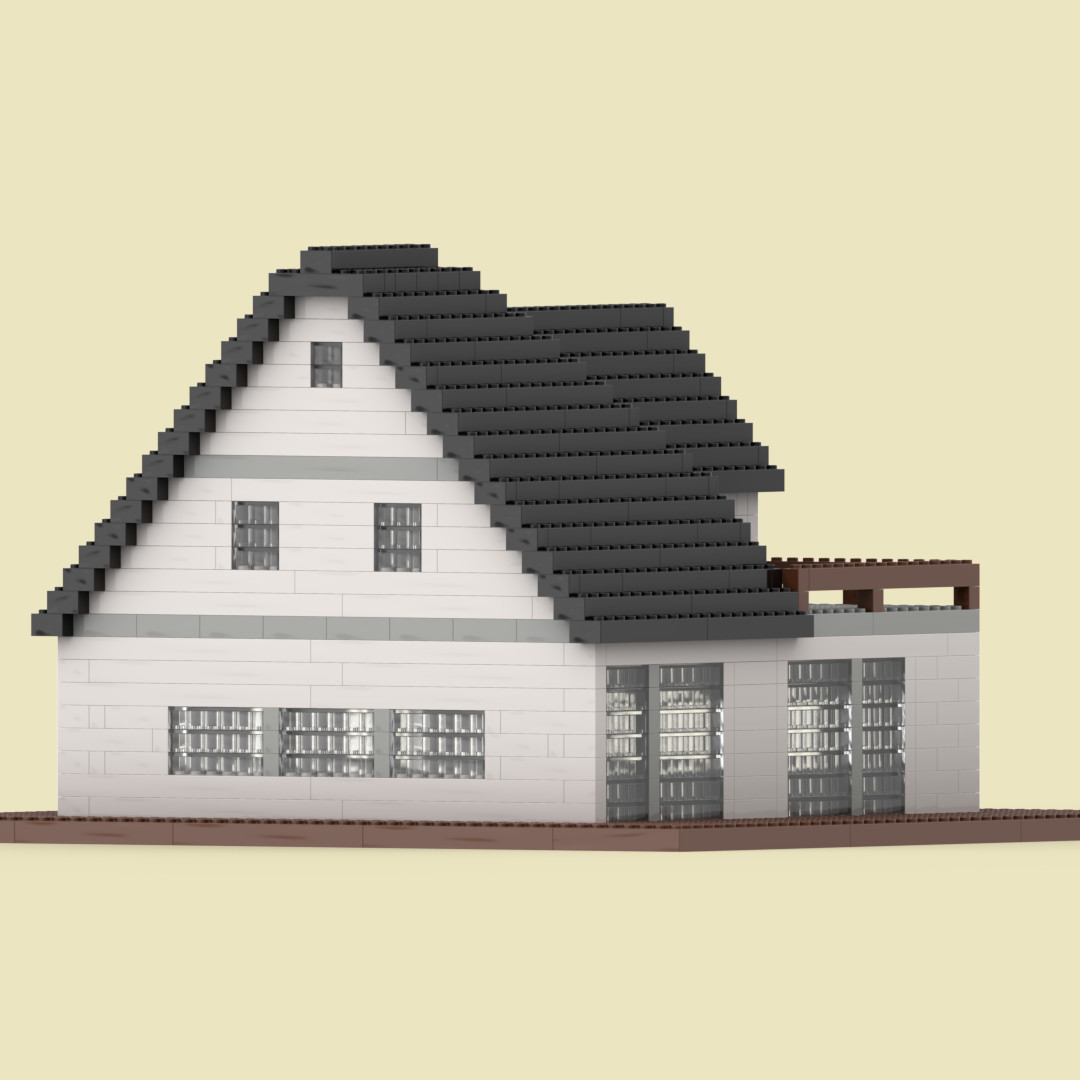
House Builder: Generate small houses with walls, windows, roofs, and optional interiors — ideal for architectural builds.
Art Builder: Make mosaics, portraits, or pixel-style art from photos, using bricks as your canvas.
Marketplace: Share your creations, discover others, and optionally sell your models to the community.
Dynamic Instructions: Follow interactive, step-by-step building guides, similar to Builder apps.
FutureVision
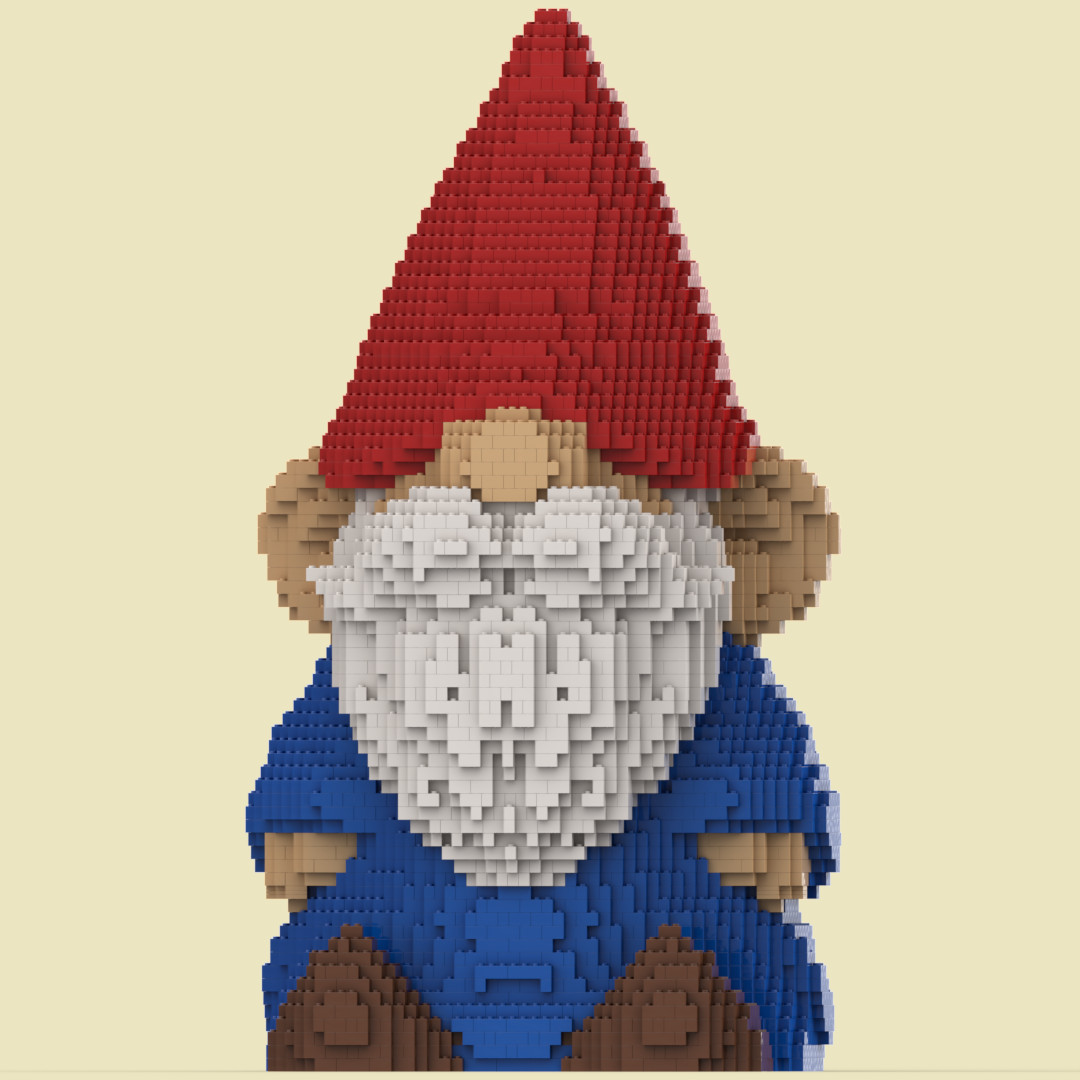
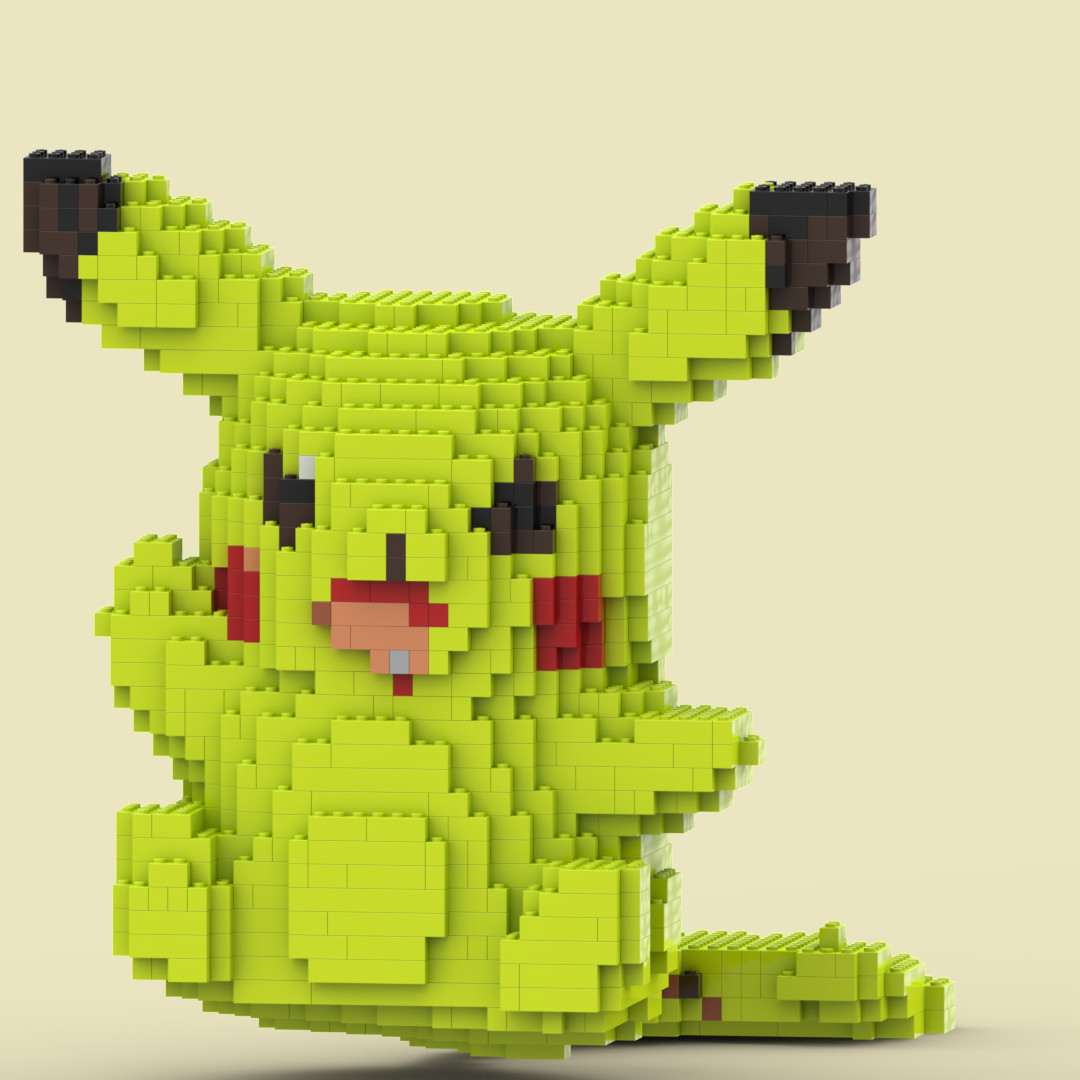
Our dream! To transform any object into brick-based masterpiece like this.
Imagine the possibility of turning any object into a detailed brick-based model! Just scan the object and the app will brick it, give you detailed instructions and list of needed bricks.
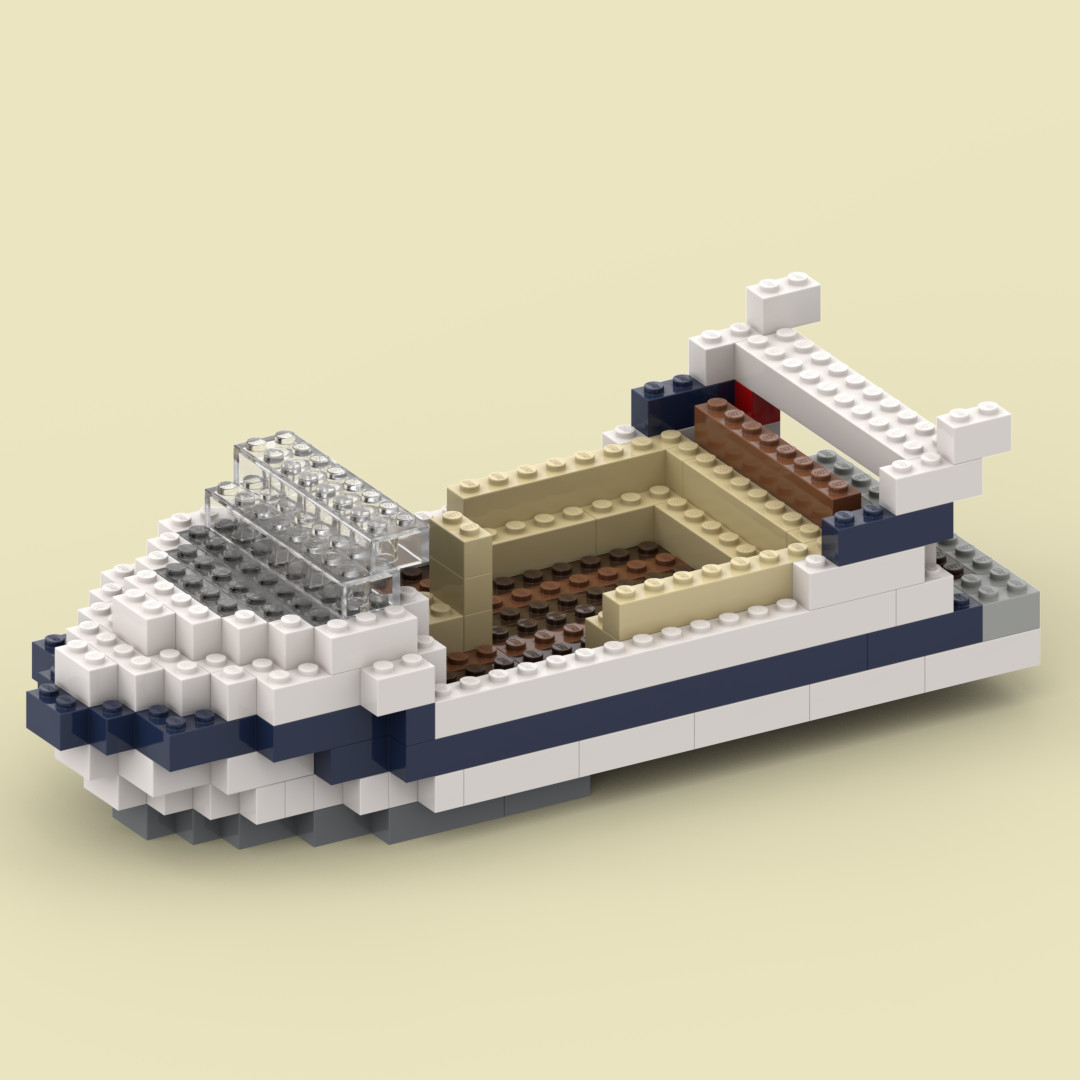
See what you canbuildwithus
Pricing
Scan any table-sized object, import your own 3D model, or use one of ours to preview how it would look as a brick model — all for free.
Once you're ready to build, you can unlock instructions, brick lists, or LDraw files for a small one-time payment —no subscriptions, just pay for what you want to build.
Start exploring your world in bricks — scan it, brick it, and when you're ready, build it.
PDF Instructions + Brick List
$11,99
$4,99 First Purchase
Get step-by-step PDF build instructions for your scanned or uploaded model. Plus, receive a detailed brick list at no extra cost to easily find all the pieces you need to bring your creation to life.
LDraw file
$10,99
$3,99 First Purchase
Export your model as an LDR file for further editing in BrickLink’s Stud.io software. Perfect for fine-tuning your design before building it in real life.
All-in-One: PDF + List + LDR
$16,99
$5,99 First Purchase
Get everything you need in one purchase! Includes PDF build instructions, an LDR file for customization, and a detailed brick list—completely free. The ultimate package for creating and modifying your designs.